
Take on the Wild Heart of Wales – from the comfort of your own home.
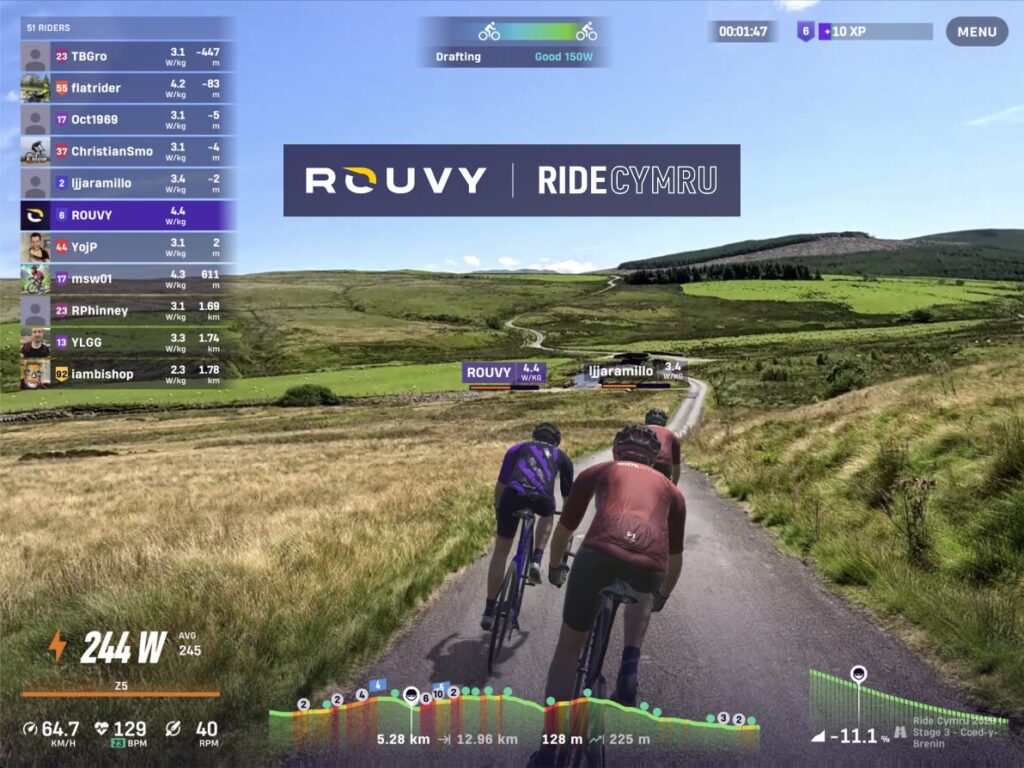
We want to inspire as many people as possible to experience the magic of cycling through the unforgettable landscapes of Wales. That’s why we’ve partnered with the indoor cycling platform Rouvy to bring you the Virtual RideCymru (pronounced ‘kum-ree’).
Using Rouvy’s virtual indoor cycling app, you can now experience eight iconic sections from the RideCymru route from the comfort of your own shed (or spare room, basement… you get the drill!)
Learn more & sign up at rouvy.com/ridecymru
You never know, you might just end up riding the real thing this September!
EIGHT INCREDIBLE ROUTES TO COMPLETE
-
The Great Orme & Conwy Castle
Distance: 39.3km / Elevation: 656m
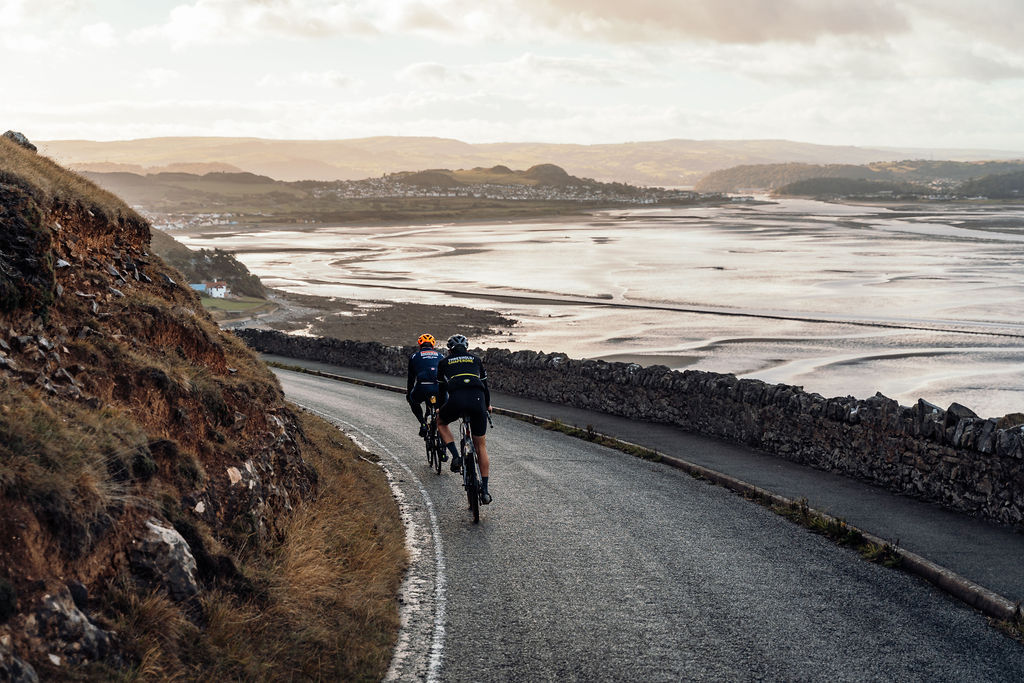
Roll out from Llandudno’s seafront and start your journey riding past the ancient Bronze Age mines and around the Great Orme. Ride under the battlements of the UNESCO listed Conwy Castle and then it’s South towards the mountains of Eryri.
-
Eryri National Park
Distance: 30km / Elevation: 381m
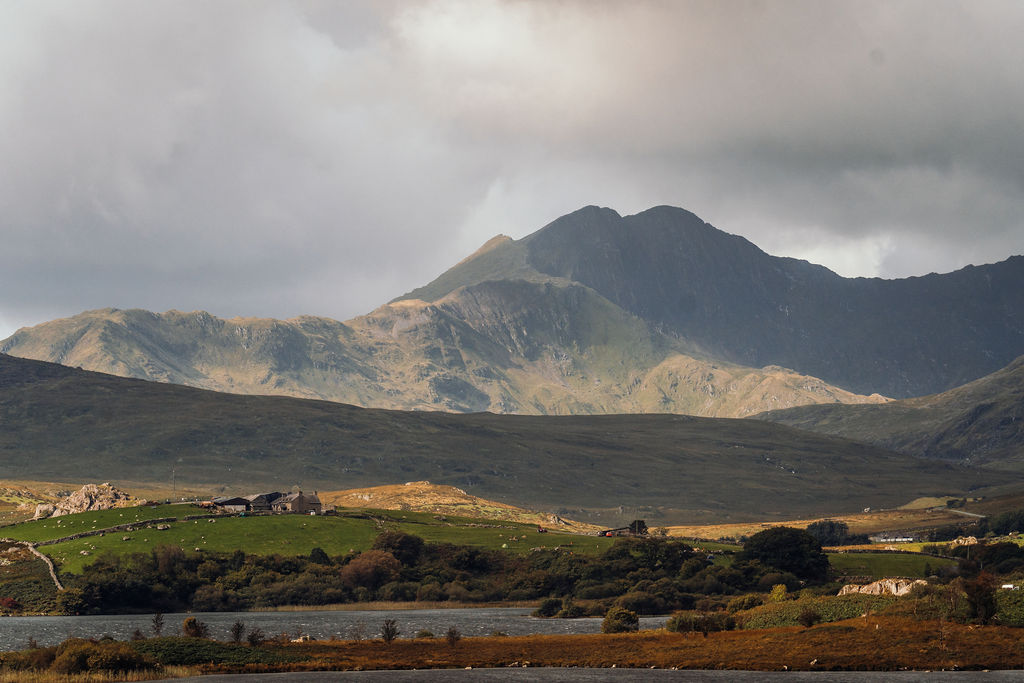
Get ready for one of the great rides in the world as you power your way through the heart of Eryri National Park; a land steeped in myth and history. Ride in the shadow of Yr Wyddfa (Snowdon), Wales’ highest mountain, before descending through deep valleys and along hidden roads through ancient woodlands.
-
Coed-Y-Brenin: The King’s Forest
Distance: 18.2km / Elevation: 353m
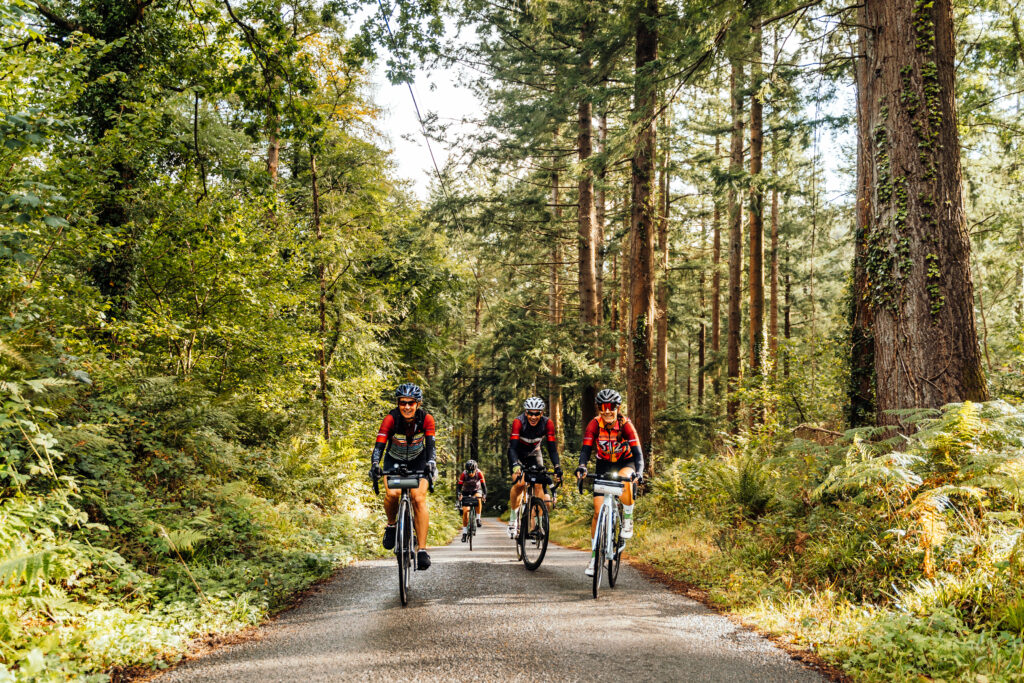
This section takes you on a rolling ride through the wild heart of Wales with the constantly changing gradients and views making the miles fly by. Enjoy following the valley south as the scenery softens through Coed-Y-Brenin (The King’s Forest), then descend towards Dolgellau, framed by the rugged peaks at the Southern edge of Eryri National Park.
-
Afon Dulas to Machynlleth
Distance: 18km/ Elevation: 216m
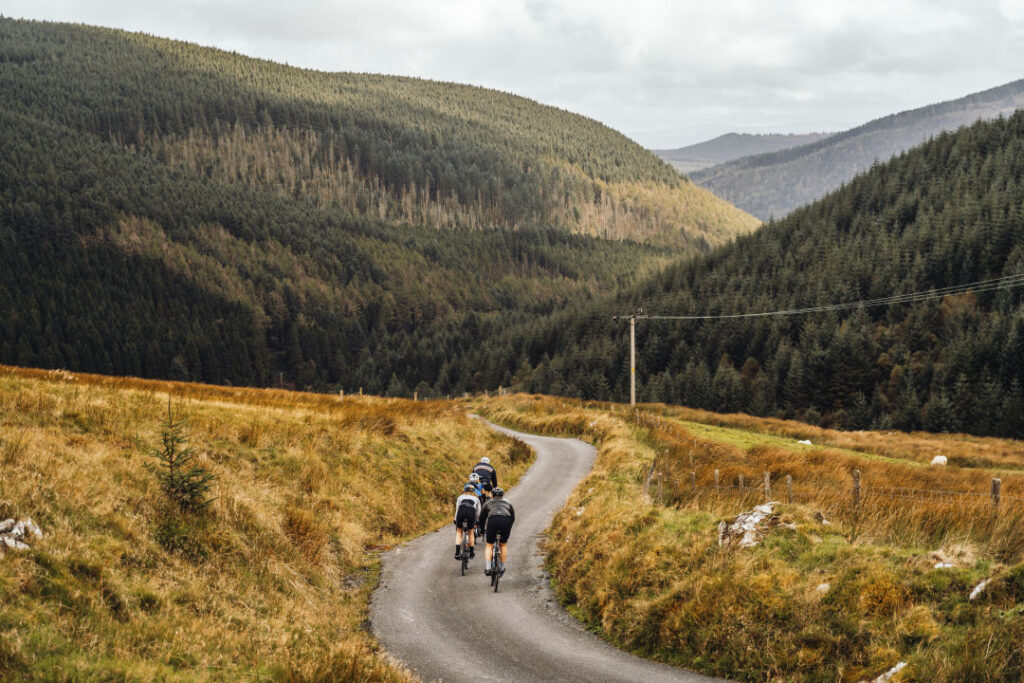
After a tough climb to start with, this is an easy recovery ride down towards Machynlleth; the ancient town where Owain Glyndŵr ignited a national revolution by holding his 1404 parliament and declaring himself Prince of Wales. Enjoy the steady descent along the Afon Dulas (River Dulas) and keep an eye out for the Aberllefenni Slate Quarries; the longest-running slate mine in the world that was active from the 14th to 20th centuries
-
Machynlleth Mountain
Distance: 17.7km / Elevation: 216m
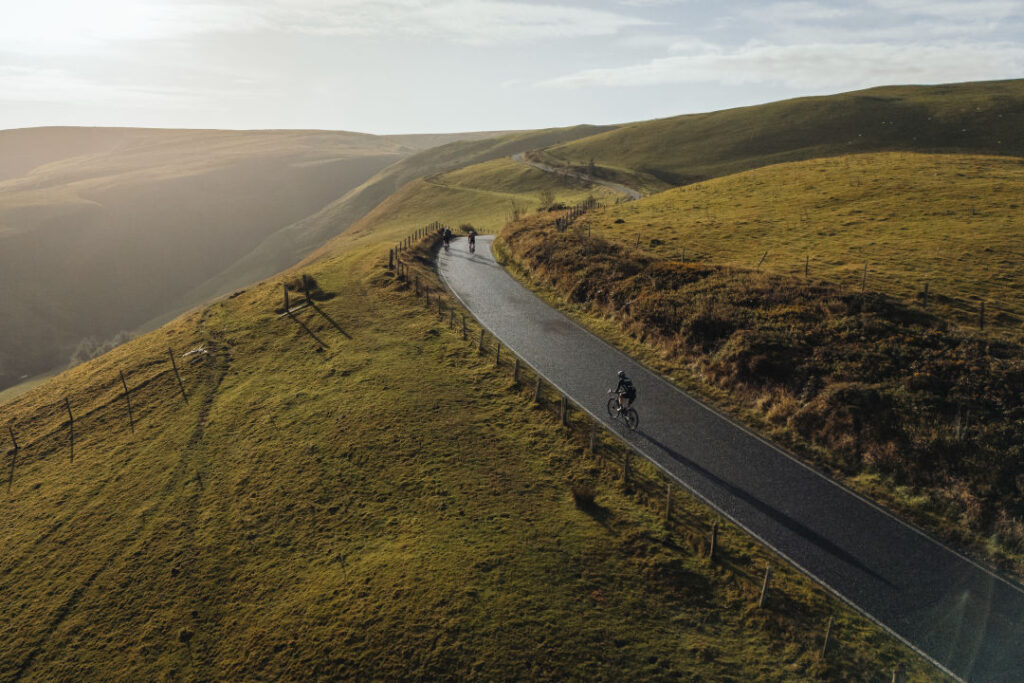
This is a big one up the mighty Machynlleth mountain into the heart of the ancient Cambrian mountains. Expect a long steady climb up into remote moorland before making your way down towards the banks of the Clywedog reservoir; home to one of only around four breeding osprey pairs in Wales.
-
Cambrian Mountains and the Afon Gwy (River Wye)
Distance: 29.7km / Elevation: 516m
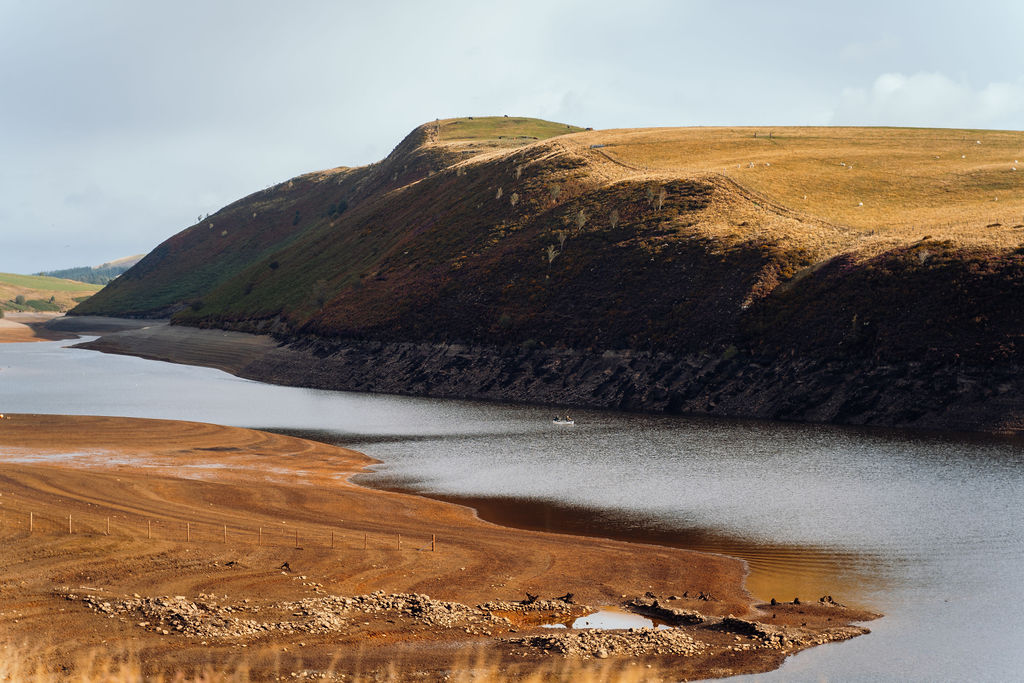
Start by enjoying the sweeping views across the Cambrian Mountains, also known as Elenydd or the Desert of Wales, before leaving the uplands and dropping down to weave along the upper reaches of the stunning Afon Gwy (River Wye).
-
Sennybridge to Brecon
Distance: 36.4km / Elevation: 553m
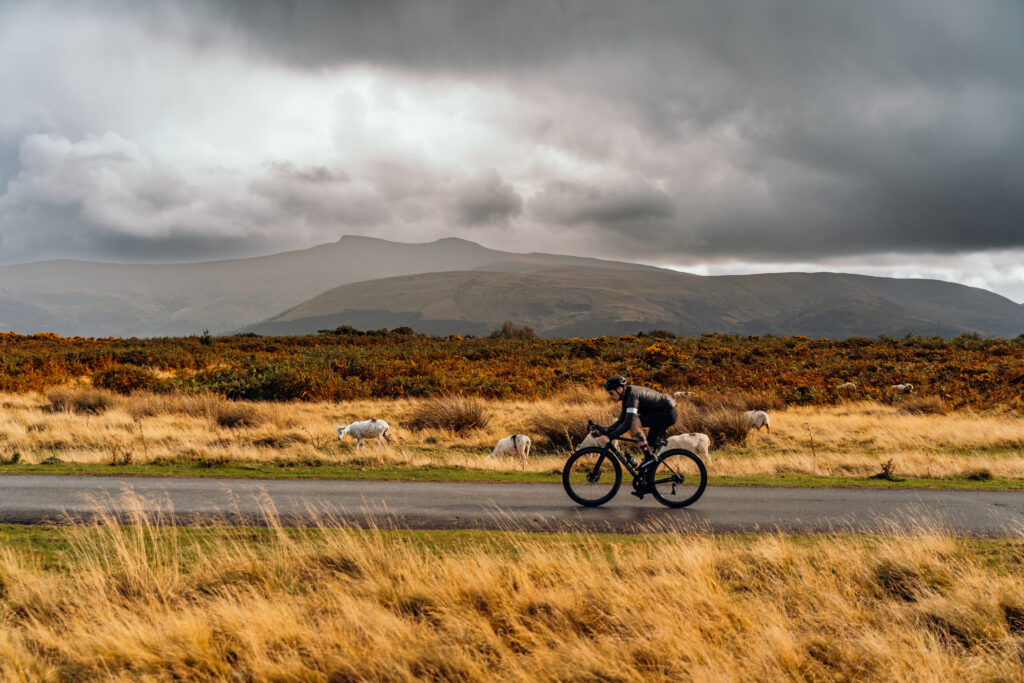
One of the longer stages of the virtual Ride Cymru challenge with a range of steep climbs and rolling open roads. Make sure you keep your eyes open for figures moving in the undergrowth as you climb up and over the military training ground at Sennybridge, before skirting the Northern edge of the mighty Bannau Brycheiniog (Brecon Beacons).
-
Gospel Pass
Distance: 34km/ Elevation: 481m
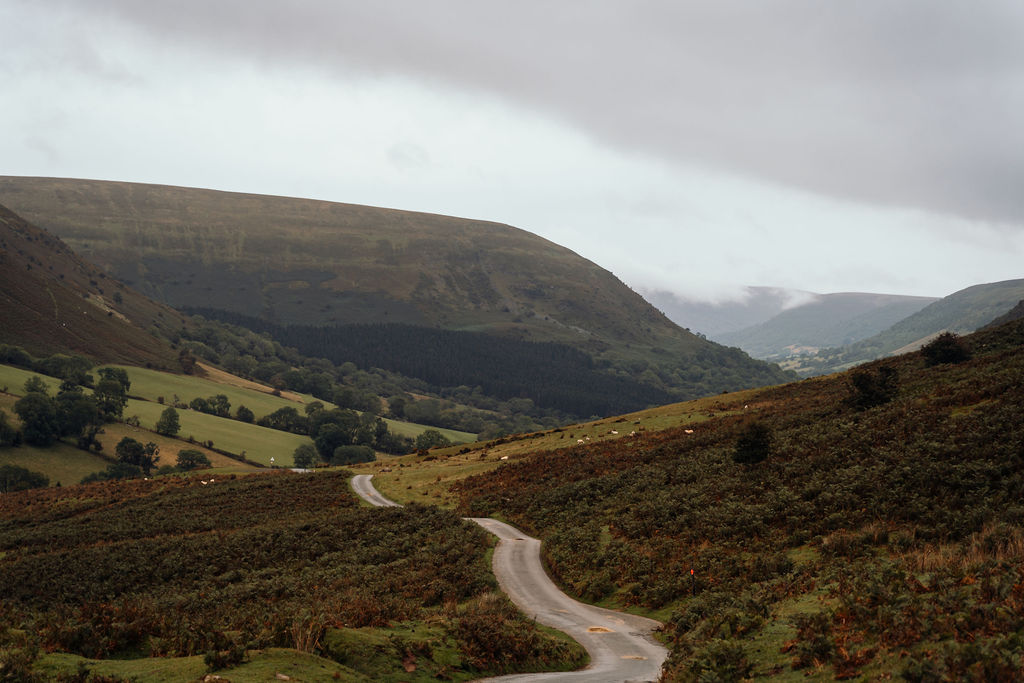
Wales’ highest road and one of its most formidable climbs, Gospel Pass winds through the Black Mountains between Hay Bluff and Twmpa, rising to 549 metres above sea level. This tough, exposed route rewards you with sweeping views over the Vale of Ewyas and the Wye Valley before you drop down to the historic market town of Abergavenny; often known as the Gateway to Wales.
FAQS
WHAT IS ROUVY?
Rouvy is a virtual cycling platform which lets you ride, race, and train on the world’s most scenic routes.
By connecting to your smart meter or power trainer, Rouvy simulates the elevation profile of real-world routes as you ride. Unlike other platforms which build fully digital virtual worlds, Rouvy uses real-world footage to create an augmented reality (AR) cycling experience.
WHY ROUVY?
We wanted a platform that allowed us to showcase more than just the elevation profile of RideCymru but capture the incredible views and majestic landscapes.
Rouvy’s AR capabilities make it the perfect vehicle for experiencing the spectacular scenery to be found on RideCymru.
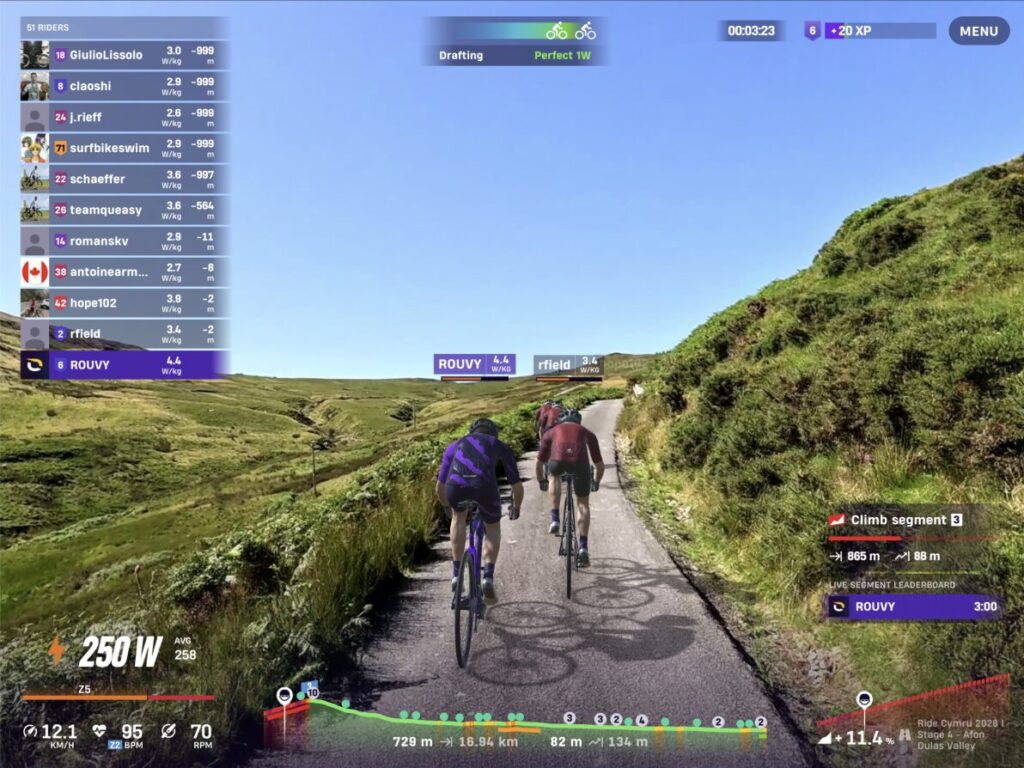
WHAT DO I NEED TO RIDE ON ROUY?
To start riding on Rouvy you will need an ANT+ or Bluetooth® (BLE) compatible smart trainer or power meter.
If you already have a smart trainer that partners with apps like Zwift, then it should be simple to link up to your Rouvy account.
For a full list of compatible and semi-compatible devices, click here.
HOW DO I GET SET UP ON ROUVY?
Create your Rouvy account.
A standard Rouvy account costs £14.99 a month. Group discounts are available. Use code RAB2M to secure a two-month free trial. Click here to get set up.
2. Download the Rouvy app.
To install the Rouvy app to your laptop, tablet, Apple TV or phone, click here.
To install the Rouvy App you will need: Windows 10 (or later) / MacOS High Sierra 10.13+ / AppleTV 16+ / iOs 12+ / Android 10+
3. Pair your smart trainer, power meter and other sensors with the Rouvy App.
For detailed instructions on pairing your devices and sensors to Rouvy, use the links below.